Lead Pools
Used in these workflows
- Description: Lead Pools are groups of leads assigned to specific teams or campaigns. They help you distribute leads effectively and ensure the right team members are working on the right leads.
- How to create and manage:
- Go to Leads -> Admin Settings.
- Click on the Lead Pool card.
- Click the + Create button.
- Enter a Name and Description, then assign users or teams.
- Click Submit to save.
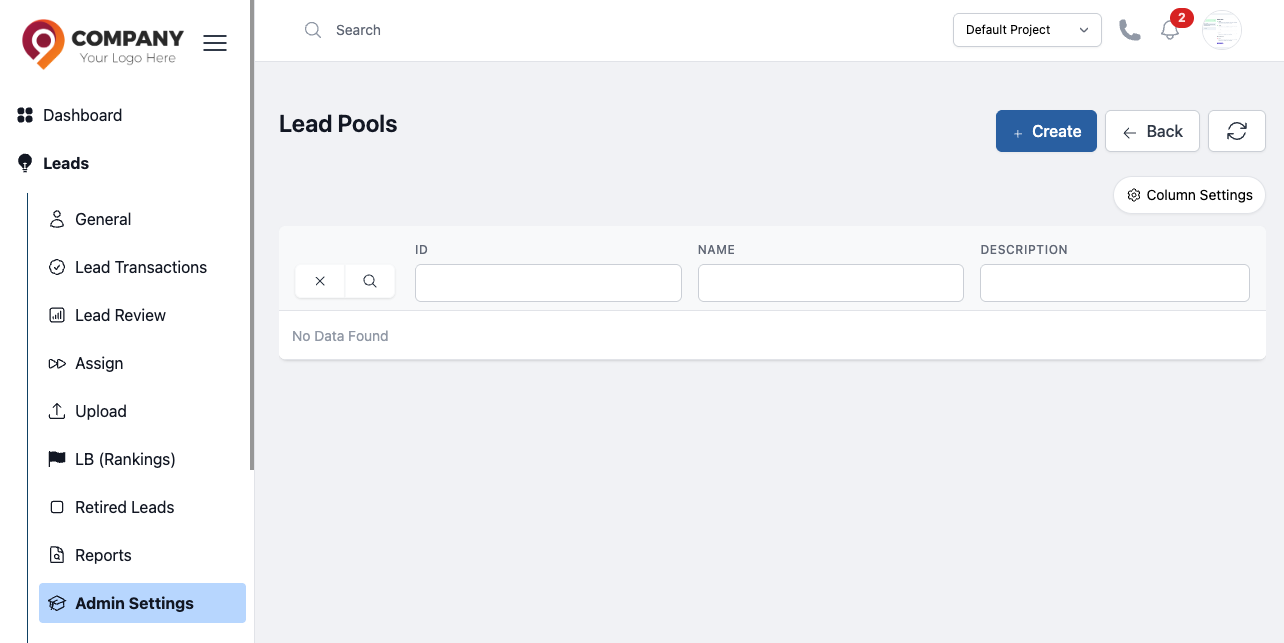
Figure: Lead Pools