Resolutions (Detailed Reasons)
Used in these workflows
- Description: Resolutions provide the specific reasons behind a Resolution Type. For example, you can create a detailed reason like "Invalid Documents" under the "Rejected" type, providing crucial data for analysis.
- How to create and manage:
- Go to the TR Settings menu in the sidebar.
- Click on Resolutions.
- Click the + Create button.
- Select the parent Resolution Type.
- Enter the detailed Name (e.g., "Incomplete Profile") and an optional Description.
- Click Submit to save.
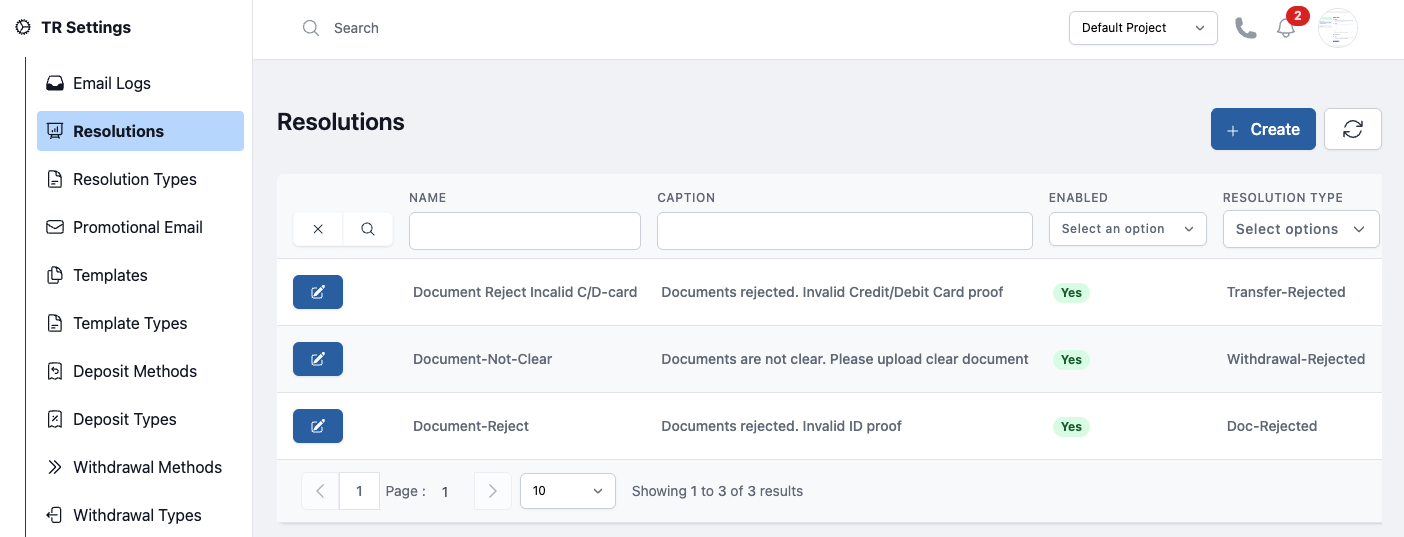
Figure: Resolution