Lead Sources
Used in these workflows
- Description: Lead Sources track where your leads come from (e.g., "Website Form," "Trade Show"). This information is crucial for measuring the ROI of your marketing efforts and optimizing your lead generation channels.
- How to create and manage:
- Go to Leads -> Admin Settings.
- Click on the Lead Sources card.
- Click the + Create button.
- Enter the Name and an optional Description.
- Click Submit to save.
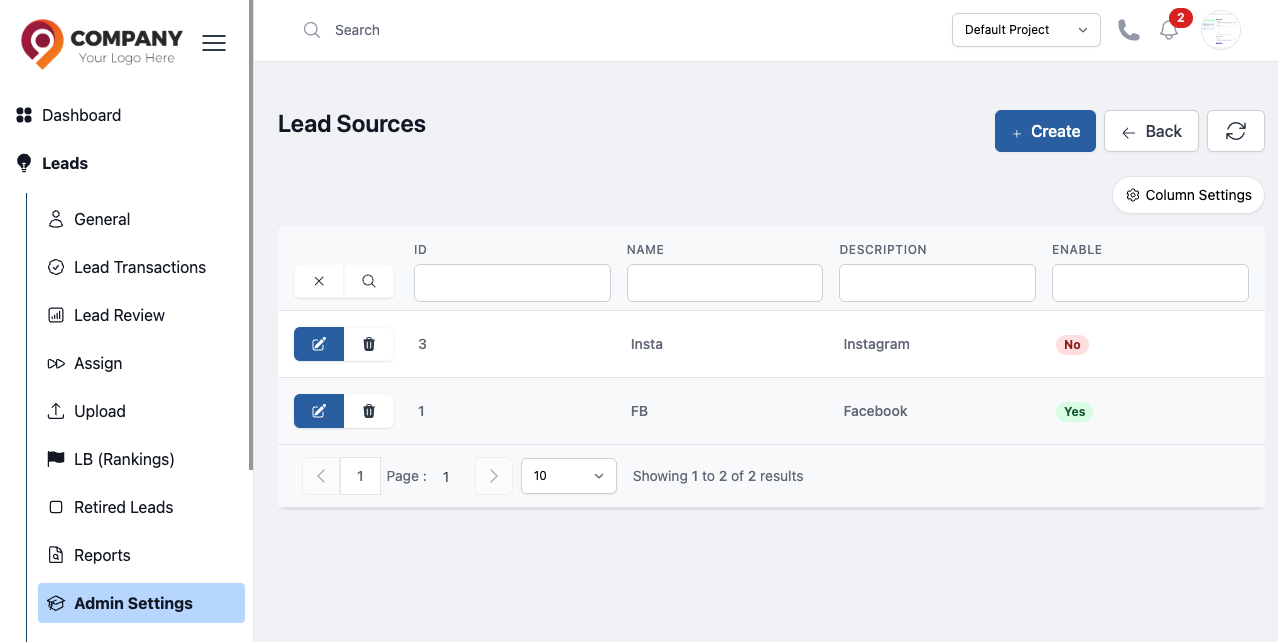
Figure: Lead Sources