Lead Complaint Types
Used in these workflows
- Description: Lead Complaint Types allow you to categorize and track issues raised by leads. This helps you identify recurring problems and improve your overall customer experience.
- How to create and manage:
- Go to Leads -> Admin Settings.
- Find and click on the Lead Complaint Types card.
- Click the + Create button.
- Enter a Name for the complaint type and an optional Description.
- Click Submit to save.
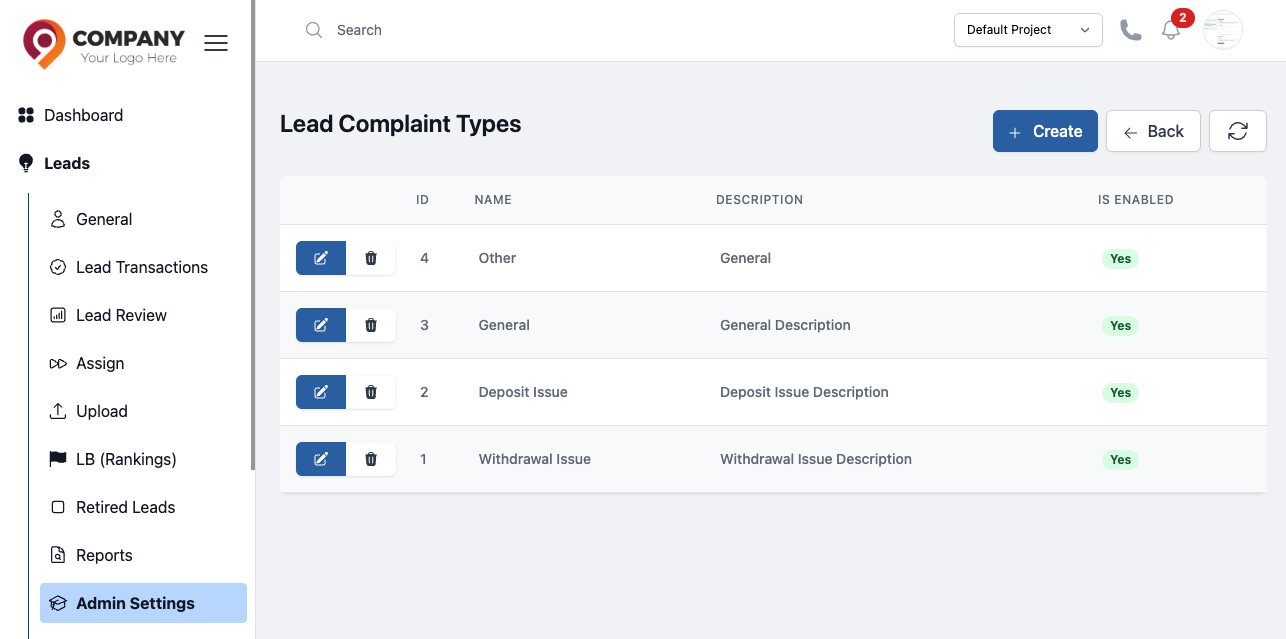
Figure: Lead Complaint Types