Lead Stages
Used in these workflows
- Description: Lead Stages define the journey of a lead through your sales process, from "New Lead" to "Closed." Properly configured stages provide a clear view of your pipeline and a structured workflow for your team.
- How to create and manage:
- Go to Leads -> Admin Settings.
- Click on the Lead Stages card.
- Click the + Create button.
- Enter a Name, Description, and specify the Order of the stage.
- Click Submit to save.
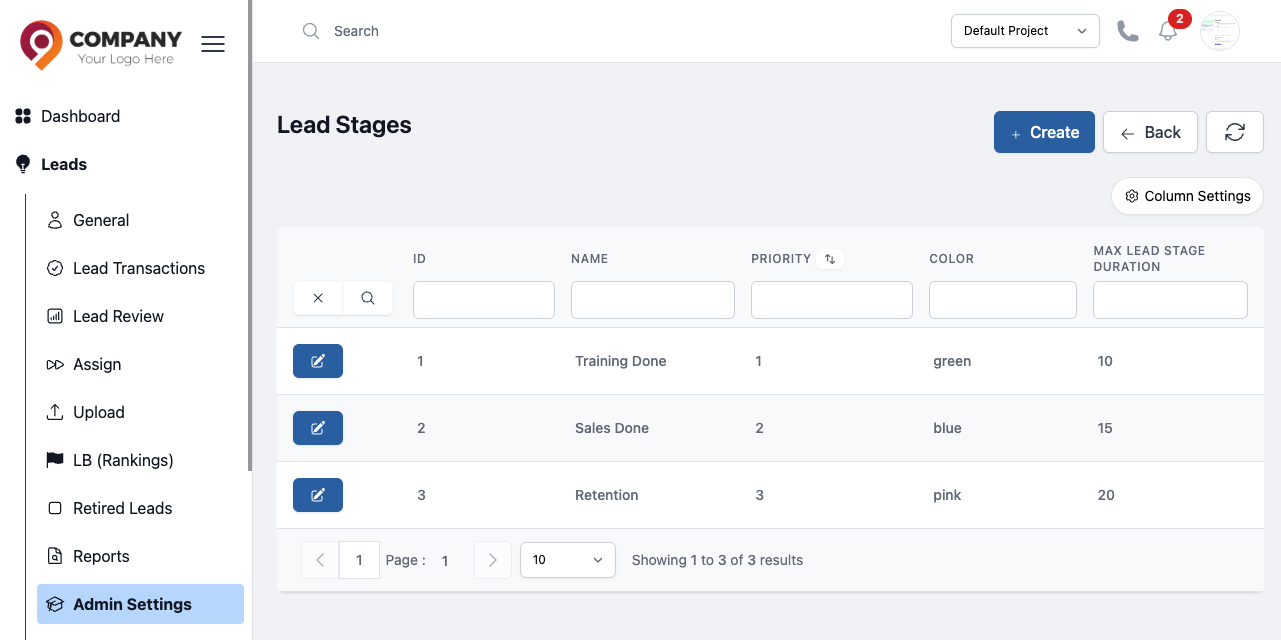
Figure: Lead Stages