Resolution Types
Used in these workflows
- Description: Resolution Types define the broad categories for a lead's final outcome, particularly in cases of rejection or withdrawal. They are essential for high-level reporting on why leads don't convert.
- How to create and manage:
- Go to the TR Settings menu in the sidebar.
- Click on Resolution Types.
- Click the + Create button.
- Enter a Name for the resolution type (e.g., "Rejected").
- Click Submit to save.
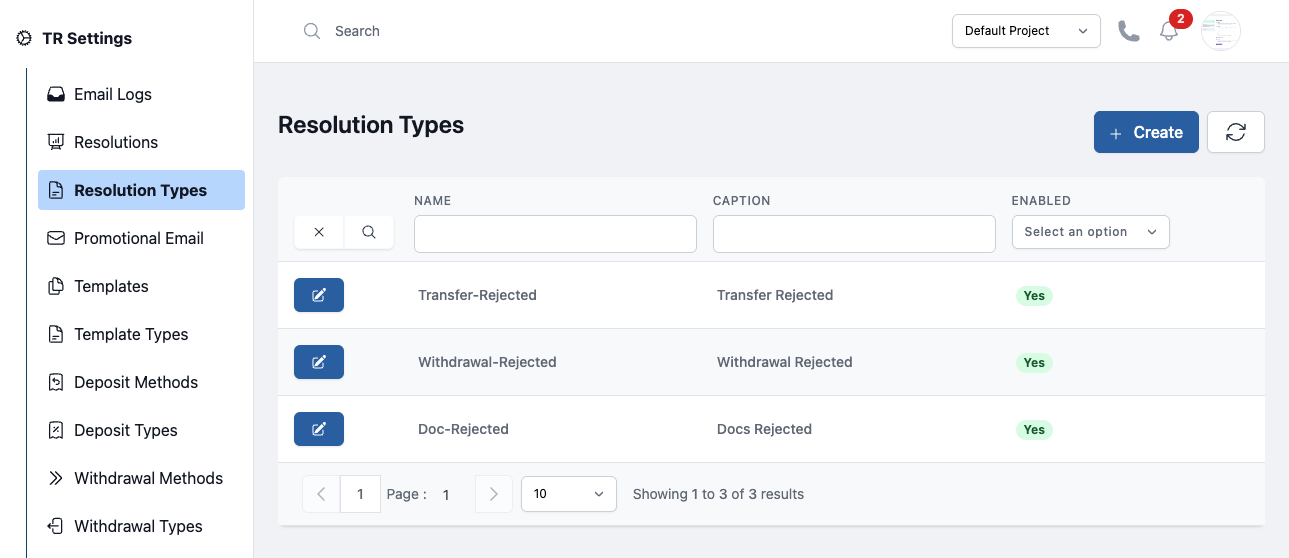
Figure: Resolution Types