Lead Tags
Used in these workflows
- Description: Use Lead Tags to instantly categorize and filter leads. Tags are essential for quick segmentation and targeted actions, helping you prioritize your follow-ups.
note
If a tag's Is Modifiable setting is disabled, any attempt by an agent to apply it will generate a Lead Data Change Request for a manager's approval.
- How to create and manage:
- From the Dashboard, navigate to Leads -> Admin Settings.
- Click on the Lead Tags card.
- Click the + Create button.
- Enter a Name, Description, and Color for the tag.
- Toggle Is Modifiable if you want to allow editing.
- Click Submit to save.
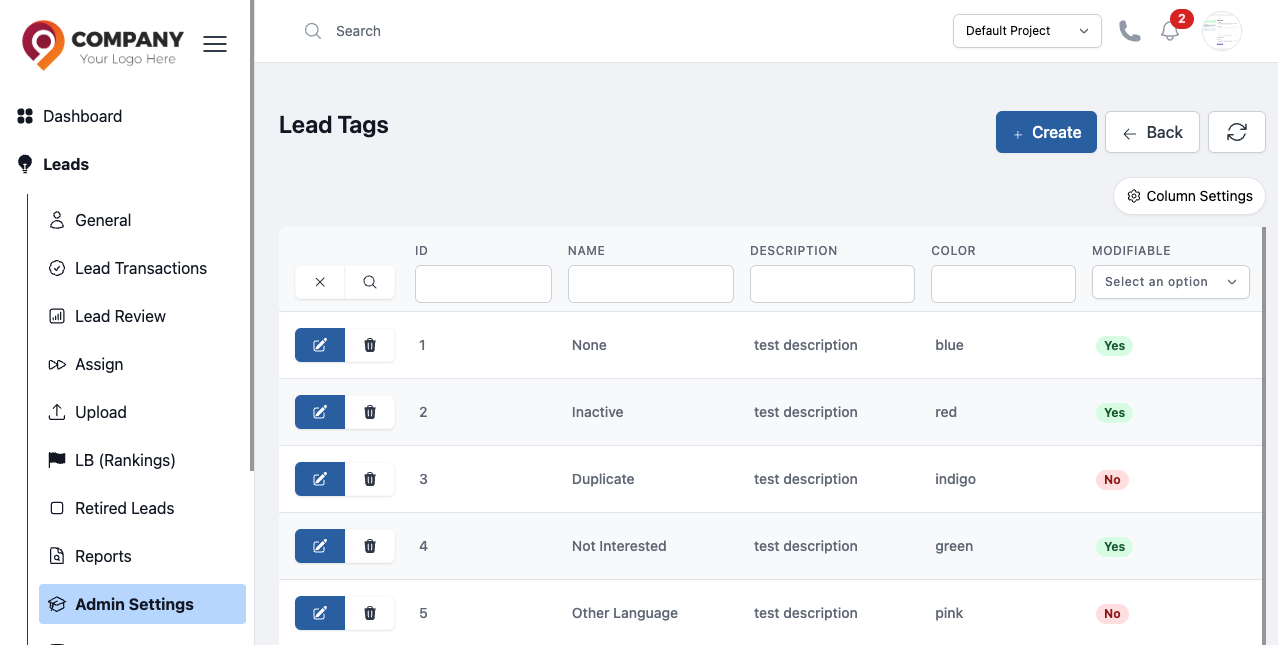
Figure: Lead Tags