Configure Transaction Settings
Applies to: Administrators, System Architects
This advanced setting determines how the system processes and records the financial leg of trades (the money movement).
Understanding Execution Types
- Client Execution: The transaction is recorded from the perspective of the client's wallet. The client "pays" the platform.
- System Execution: The transaction is recorded from the perspective of a system wallet. The system "pays" the client.
Configuring the Settings
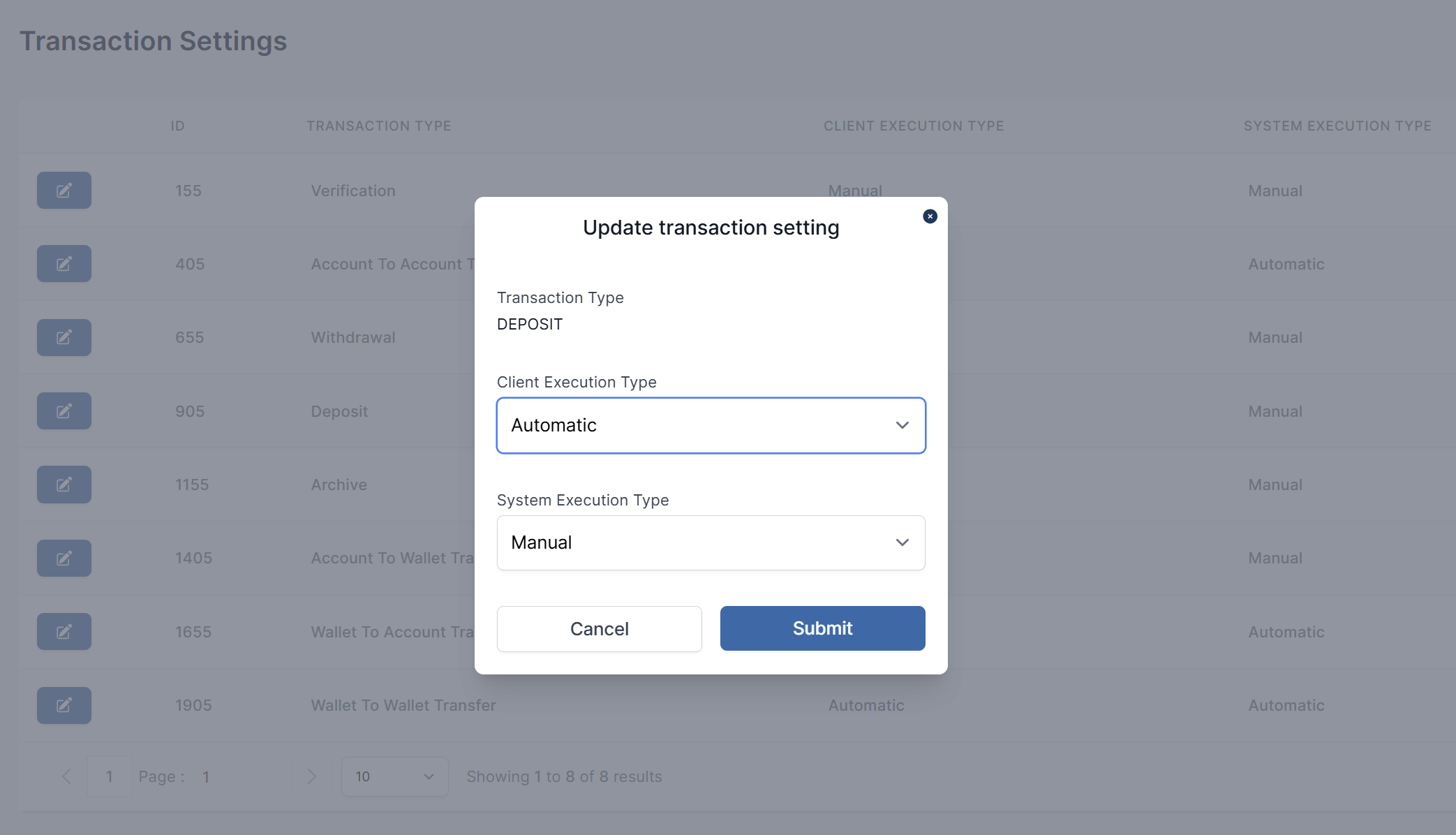
- Navigate to Finance > Transaction Settings.
- You will see a list of transaction types (e.g.,
Verification,Withdrawal,Deposit,Transfer,Archive). - For each Execution Type (
ClientorSystem), select the desired method *Auto or Manual from the dropdown menu. - Click Submit.
Impact of Configuration
This setting affects which wallet is debited/credited and is crucial for accurate financial reporting. Incorrect settings can lead to reconciliation errors.
Example: A Withdrawal is typically set to Automatic, meaning the funds are automatically transferred from the client's trading account to their designated external wallet or bank account.