Download Position Import Sample Sheet
Applies to: Administrators, Technical Support (Advanced Use)
This guide explains how to obtain and prepare the Excel template for importing multiple positions at once.
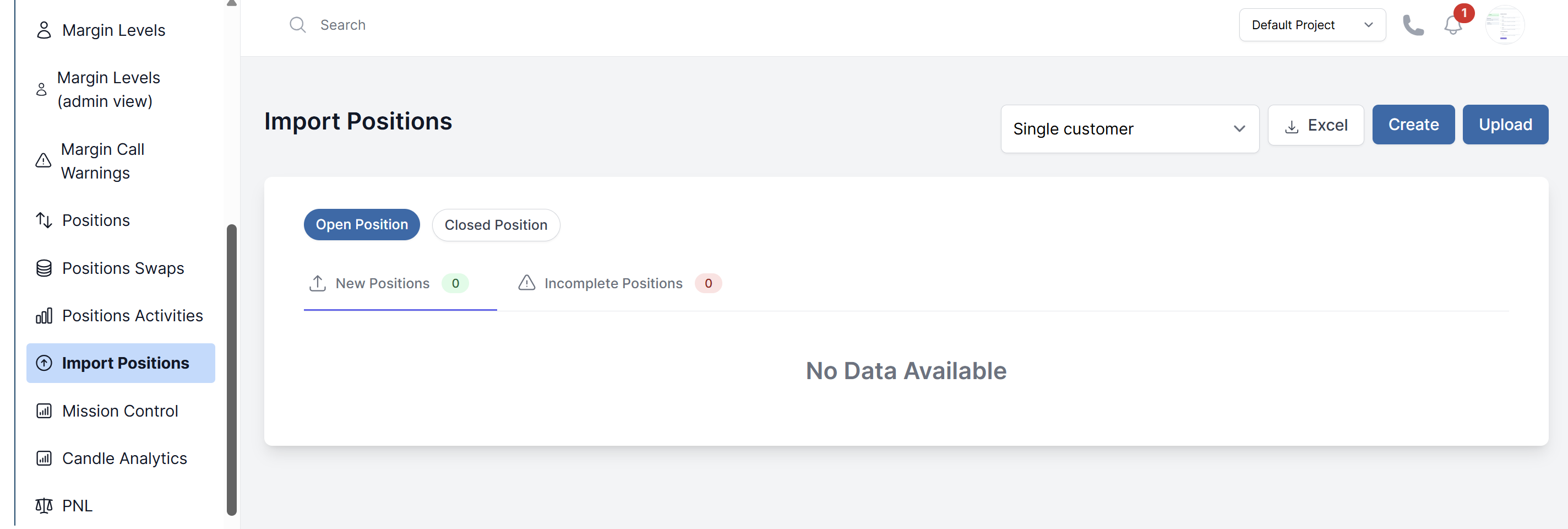
Getting the Sample Sheet
- Navigate to Customers > Import Positions
- Click the Excel button
- Save the file to your computer
Understanding the Template Structure
The sample Excel sheet contains columns with specific requirements:
Required Columns
Symbol: The trading symbol (e.g., EUR/USD, XAU/USD)Account Id: The unique identifier of the target accountTime: Timestamp when position was opened (DD-MM-YYYY HH:MM:SS)Type: Trade direction -BUYorSELLVolume: Trade size in lotsPrice: Entry price of the position
Optional Columns
S/L: Stop loss price (if any)T/P: Take profit price (if any)Swap: Accumulated swap amountCommission: Position commission
Preparation Guidelines
- Data Validation: Ensure all account_id values exist in the system
- Price Format: Use correct decimal format for each symbol
- Time Format: Strictly follow the timestamp format
- Volume Validation: Check that volume doesn't exceed account limits
- Symbol Verification: Confirm all symbols are enabled for the target accounts
Best Practices
- Test with 1-2 positions first before full import
- Keep backup of original Excel file
- Verify imported positions match source data
- Inform customers about position migrations