Manage Languages
Applies to: Administrators
This section allows you to manage the languages.
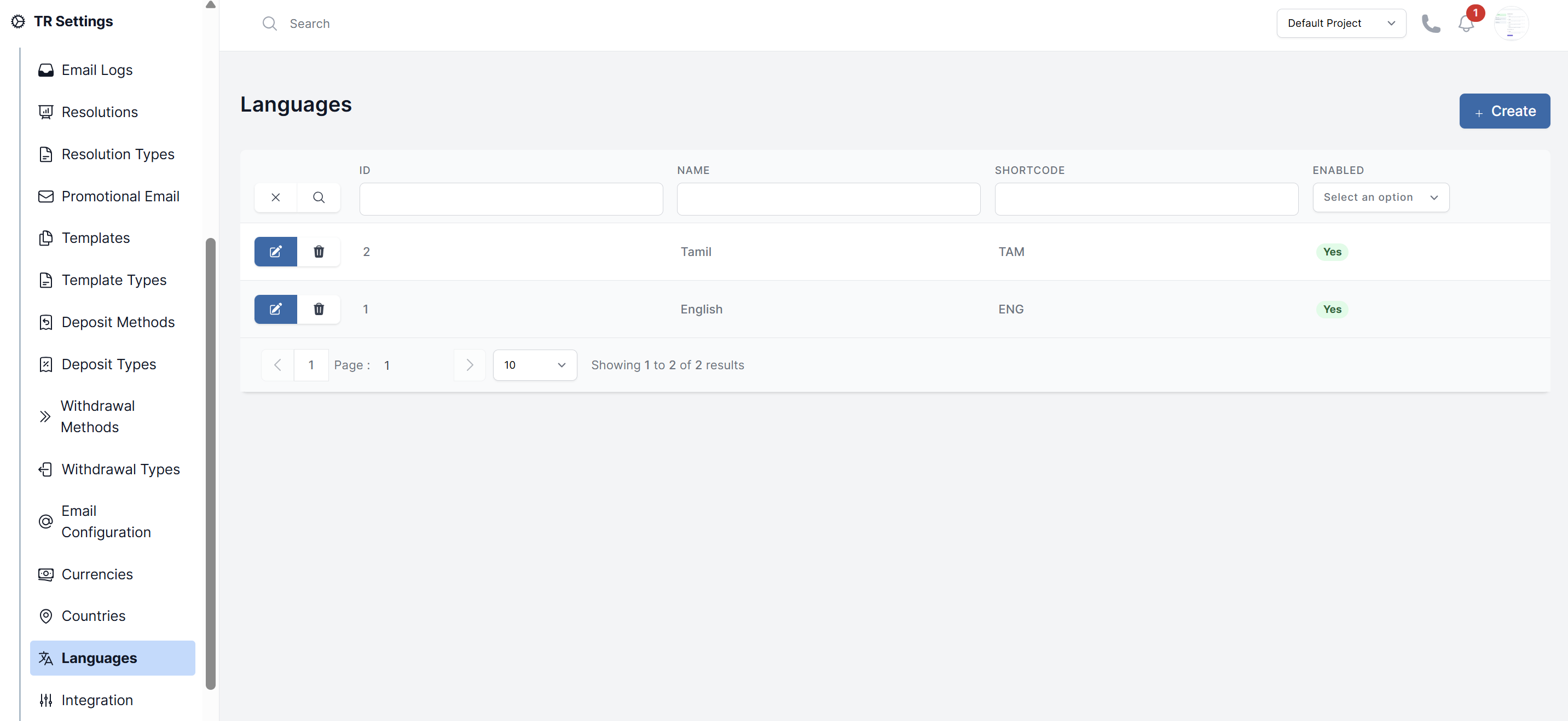
Viewing and Editing Languages
- Navigate to TR Settings > Languages.
- You will see a list of enabled languages (e.g., English, Spanish, Arabic).
- To edit a languages (e.g., to disable language for a specific region), click on action button and select its status.
Adding a New Language
- Click Create.
- Fill in the form:
- Name: The name of the language (e.g., "French").
- Short Code: The ISO 639-2 Alpha-3 language code (e.g., fra for French, deu for German).
- Enable: Enable the language to make it available.
- Click Submit.