View Email Logs
Applies to: Administrators, Customer Support Managers
The Email Logs provide a complete audit trail of all emails sent by the system, including delivery status and content.
Accessing Email Logs
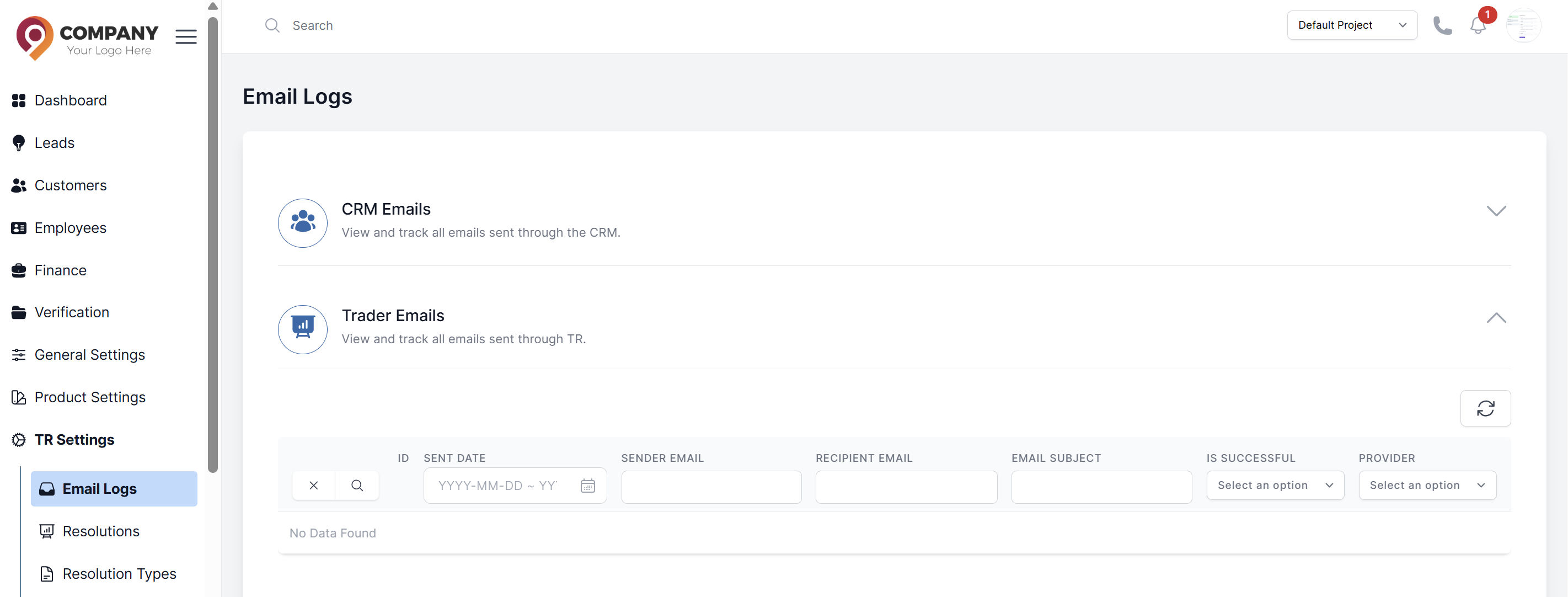
- Navigate to TR Settings > Email logs
- Select email category CRM Emails or Trader Emails
- You'll see a comprehensive table of all sent emails
Understanding the Log Columns
- Recipient Email: Customer email address
- Sender Email: Sender email address
- Subject: Email subject line
- Is Successful:
Sent,Yes,Failed,No - Sent Date: Timestamp of when email was sent
Filtering and Searching
Use powerful filters to find specific emails:
- Date Range: Filter by sent date
- Status: Find Successful or not emails
- Recipient: Search by customer email
- Template Type: Filter by category of email