Manage Master Traders
Applies to: Administrators, Product Managers
This section provides an overview of the Copy Trading ecosystem on your platform, allowing you to monitor performance and activity.
Viewing Master Traders
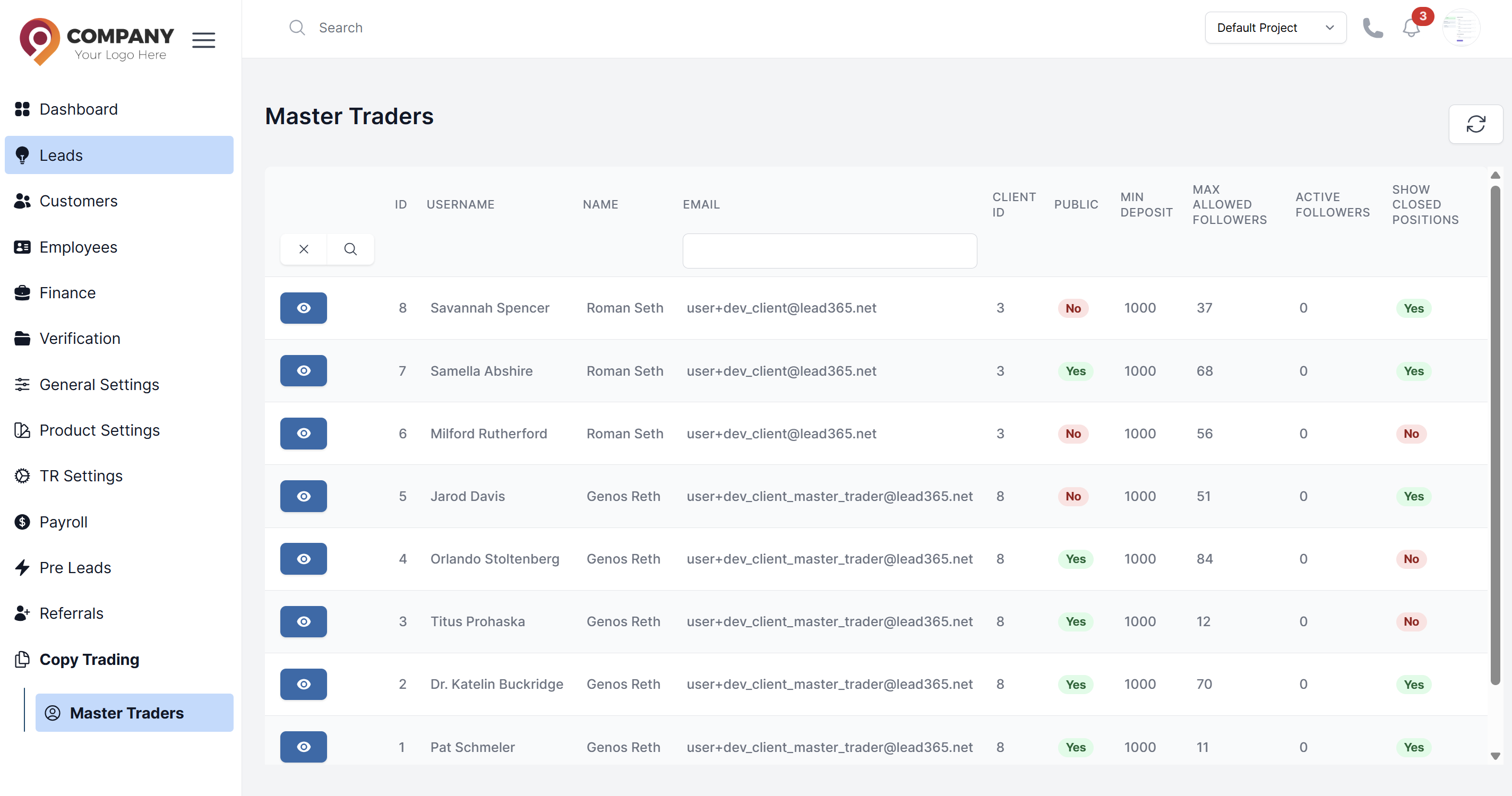
- In the CRM, Navigate to Copy Trading > Master Traders.
- You will see a list of clients who are master traders.
- Key metrics shown often include:
- Active Followers: The number of active followers.
- Account Type Public/Private status of the account.
- Max Allowed Follores: Max allowed followers for the account.
Drilling Down into a Master Trader
Click on any master trader to see detailed information:
- Personal Details View the personal data of the master.
- Followers: See a list of all accounts copying this master.