Assigning and Unassigning Leads
Used in these workflows
- What it is: This is the tool for manually assigning leads to a specific agent or removing leads from their list.
- How to Assign Leads:
- Navigate to Leads > Assign.
- Use the search box to Select an Employee.
- Expand the Assign leads to an employee section.
- Select a Lead Pool to view a list of available leads.
- Check the box next to the leads you want to assign and click the assign button.
- How to Unassign Leads:
- Follow steps 1 and 2 above.
- Expand the Unassign leads from an employee section to see their current lead list.
- Select the leads you want to remove and confirm the action.
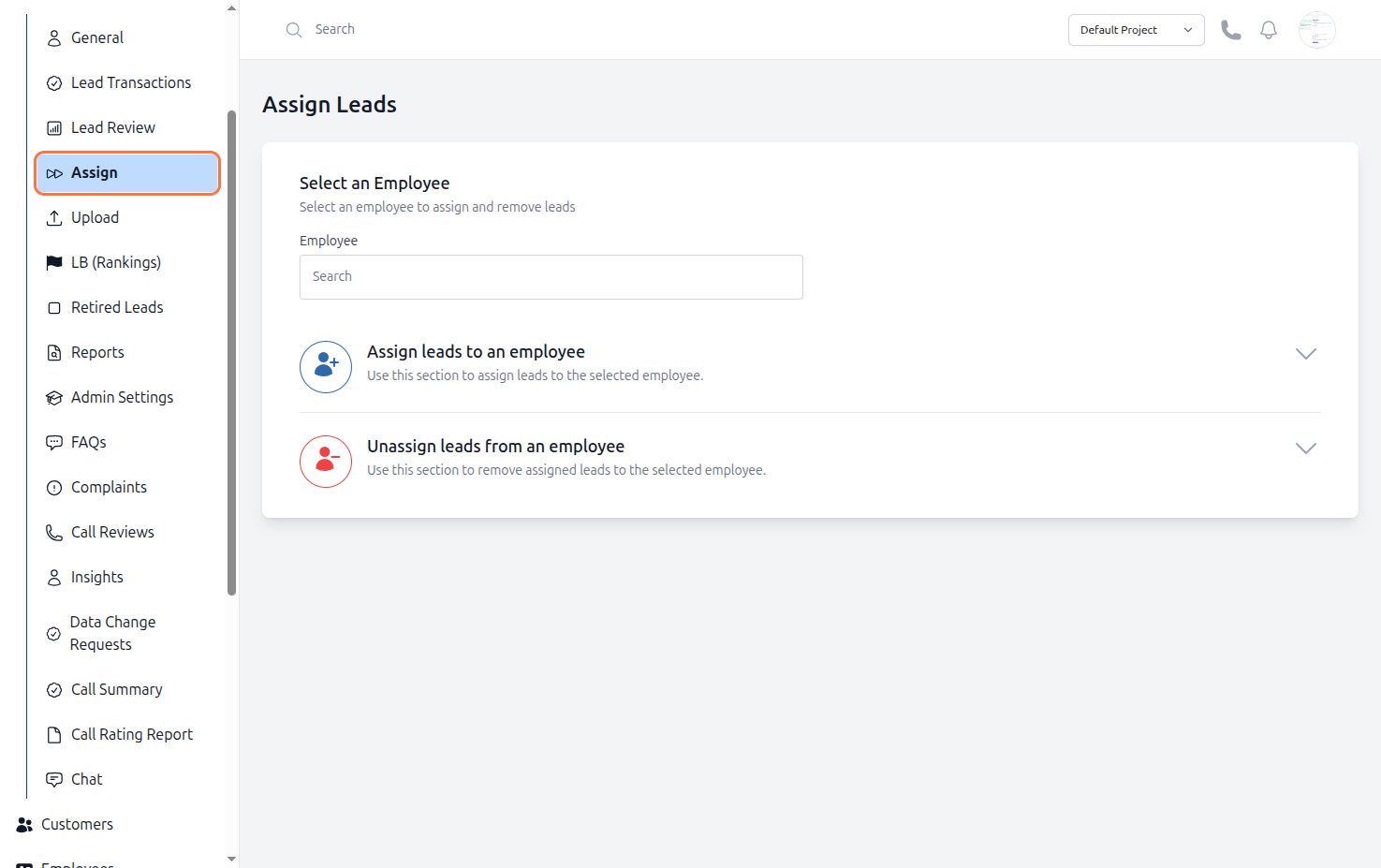
Figure: Lead Assign and Unassign