Reviewing Agent Calls (Call Reviews)
Used in these workflows
- What it is: This section allows you to review and rate your agents' calls to provide feedback and ensure quality.
- How to Add a Call Rating:
- Navigate to Call Reviews in the main sidebar.
- Find the call you want to review and open the rating pop-up.
- Fill in the Call Rating form, including the Call Type, Call Tags, a Rate (from 0-10), and a Comment.
- Click Submit to save the review.
Listen to Recordings Daily
It's a great practice to listen to a few call recordings each day to stay in touch with your team's performance. You can listen to recordings from the Call History tab in any lead's profile.
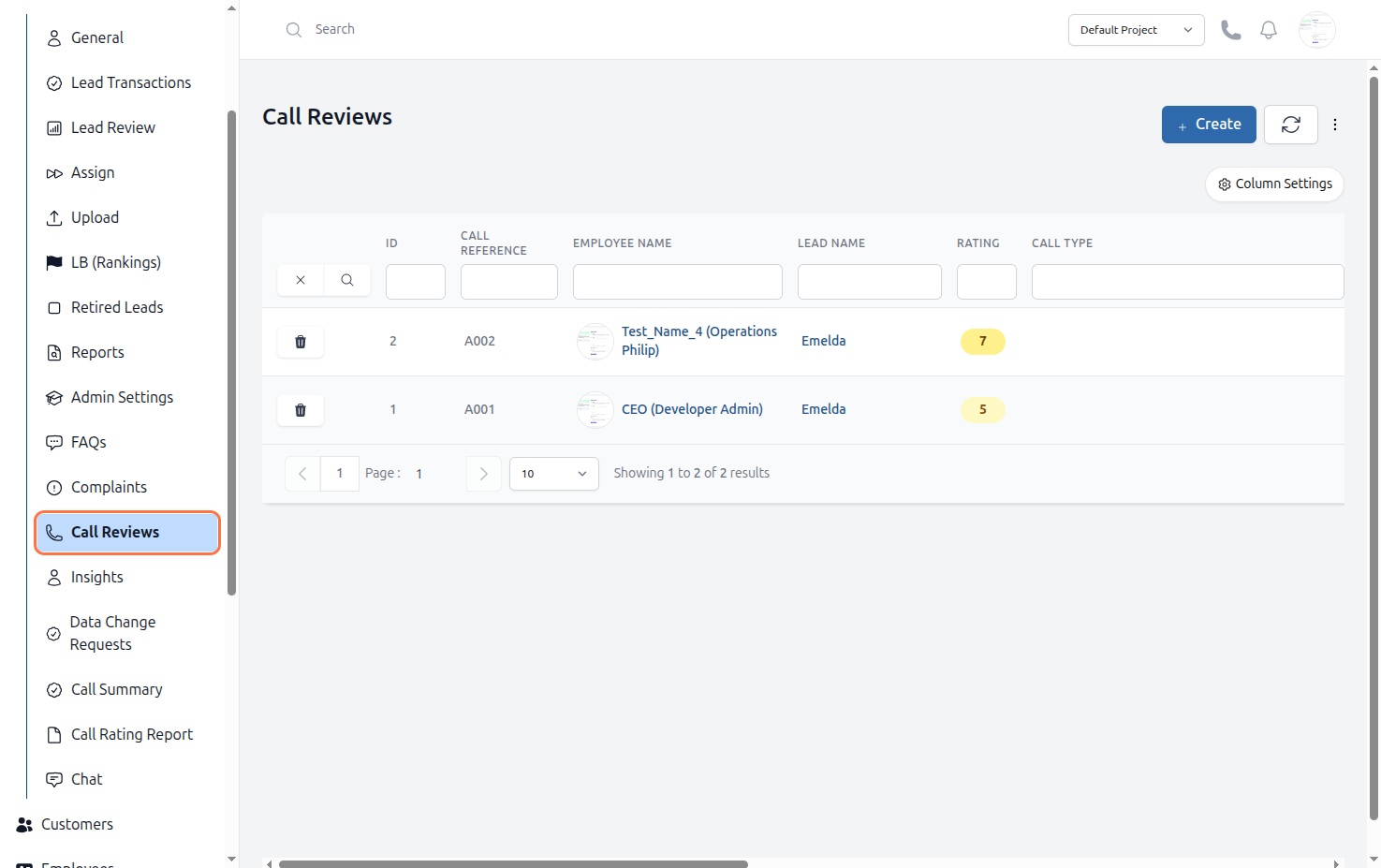
Figure: Lead Call Reviews